
Statement import
Import your broker statement — skip the typing
Download the PDF your broker already gives you, upload it to NetWorthy, check the rows we found, and publish. Your holdings then get live prices like everything else.
How it works
- 01
Download the statement
Get the latest holdings statement from your broker as a PDF.
- 02
Upload it in NetWorthy
Go to Assets, choose “Import from document”, pick your broker and upload the file.
- 03
Review and publish
We show every position we read. Fix a quantity or currency if needed, then publish.
Supported brokers


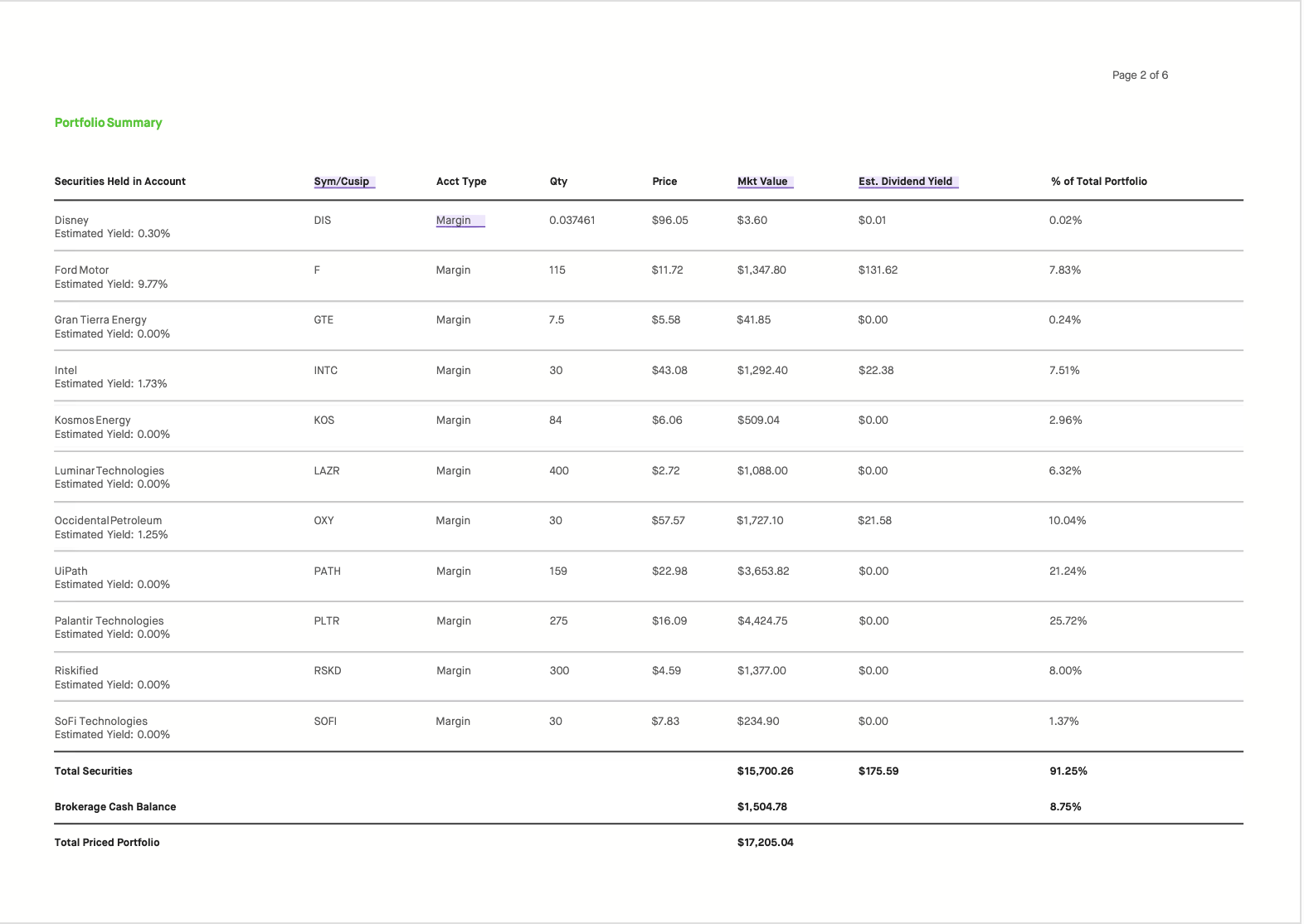
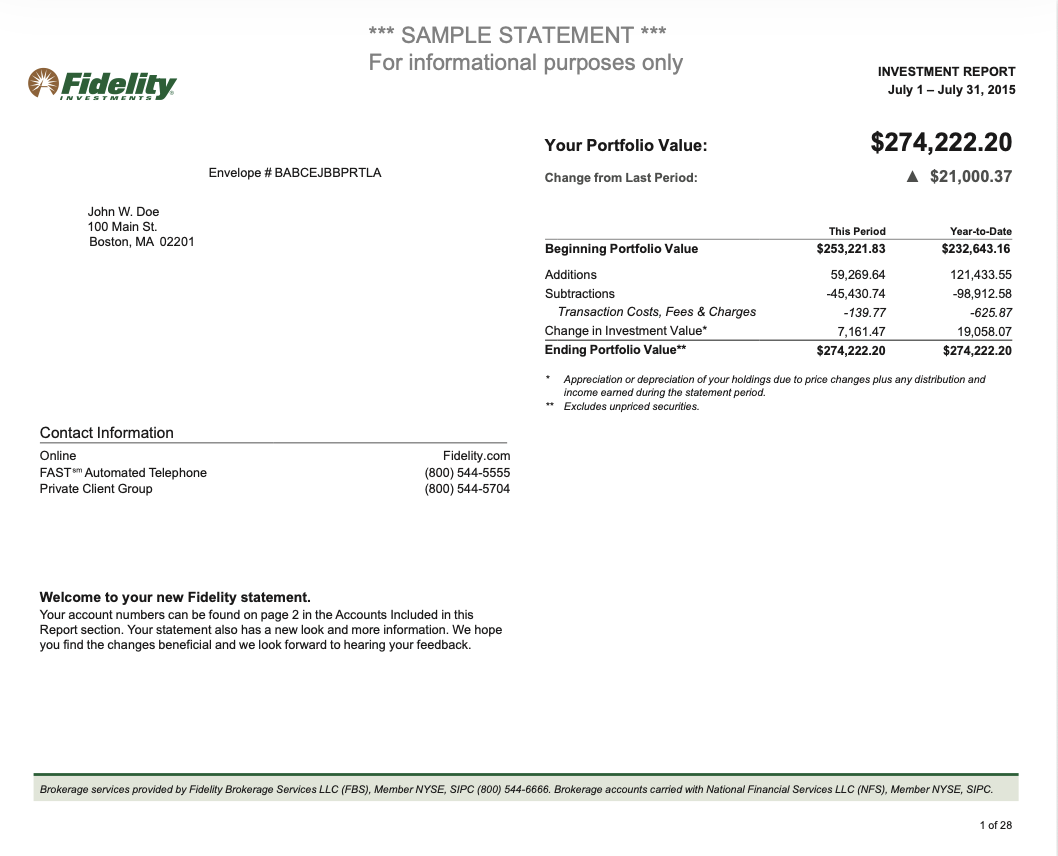
Other broker?
Pick “Other broker — automatic detection”. We scan the statement for a holdings table (symbol or ISIN, quantity, price or value). If a row is unclear, you can still edit it before publishing.
What happens to the file
The PDF is used to read your holdings. Nothing reaches your dashboard until you approve it, and NetWorthy never asks for your broker or bank login.
Statement import is a Pro feature. Manual entry is free on every plan.
Try it with your statement